1×4, 1×3, 2×2 and Polaroid-like layouts
✦ Tiny photos. One finished memory.
A free photo strip maker for photos you’ll actually keep
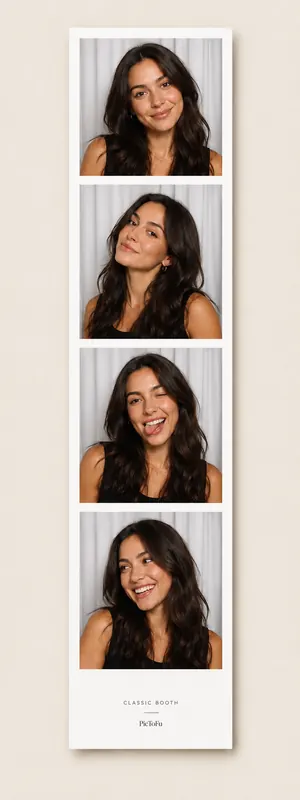
The PicToFu photo strip maker is built around the finished strip, not a complicated editor. Capture a short sequence, switch between strip and grid layouts, then export one shareable image.
▣ Photos are processed in your browser and stay out of a PicToFu cloud photo gallery.
PicToFu presetClassic Booth
Quick answer
What can you do on this page?
Make a classic photo strip from your browser camera with layouts, filters and pastel frames. Export your finished strip as a PNG.
- Runs in
- A modern web browser
- Account
- Not required
- Photo processing
- In the browser
- Output
- One finished PNG photo strip
Original, Mono, Rose Glow, Film Fade, Y2K Pop and more
Eight frame styles across clean, cute and retro moods
How it works
From link to finished strip in three steps
- 1
Capture a set of photos with the in-browser camera.
- 2
Choose a layout, filter and frame that fit the moment.
- 3
PicToFu composes the strip locally and exports a PNG.
Quick answers
About this PicToFu experience
Can I change the look after taking the photos?
Yes. After capture you can switch compatible layouts, filters and frame themes before export.
What format does PicToFu export?
The current photo strip export is a PNG so the whole strip is saved as one image.
Ready when you are.
No install, no account — open the preset and make the strip.
Make a photo strip ✦